
Introduction
Budgeting is essential for maintaining strong financial health. It helps you understand where your money is going, prioritize spending, and plan for both short-term needs and long-term goals.
Managing money manually, however, can be time-consuming and prone to errors. Tracking expenses on paper or in spreadsheets often leads to missed bills, overspending, and unnecessary stress.
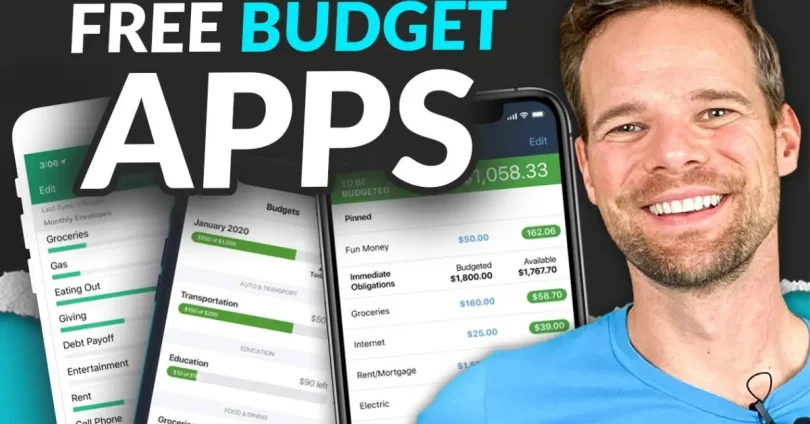
Free online budgeting tools offer a simple solution. They automate expense tracking, provide real-time insights, and help you set and achieve financial goals. Save money, track spending, and reach your financial goals — all for free.
Why Use Free Online Budgeting Tools?
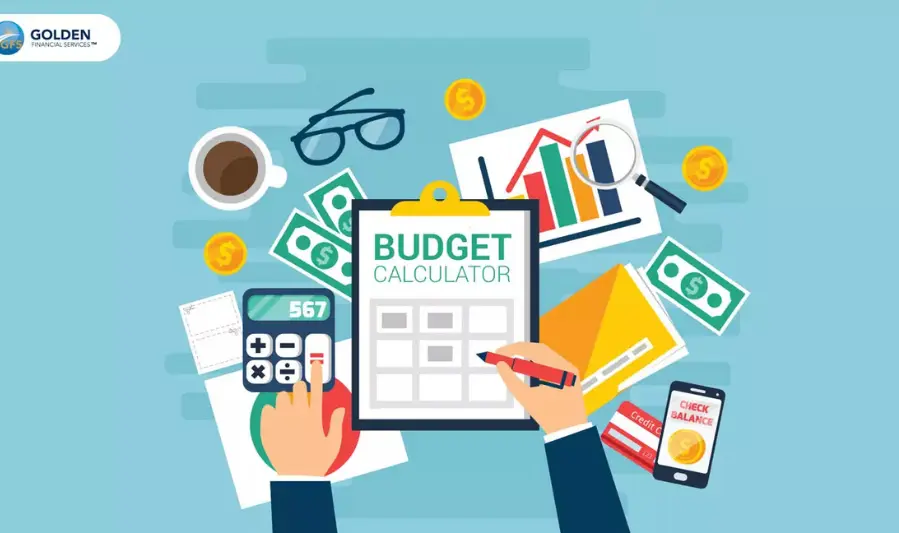
Free online budgeting tools offer several advantages that make managing your finances easier and more effective:
- Real-Time Expense Tracking: Monitor your spending as it happens, giving you immediate insight into where your money goes.
- Automated Budgeting: Many tools automatically categorize expenses and track bills, reducing manual effort and errors.
- Cross-Device Accessibility: Access your budget from desktop, tablet, or mobile, ensuring you stay on top of your finances wherever you are.
- Cost-Effective: Unlike paid software, free tools provide powerful budgeting features without any financial investment, making them ideal for anyone looking to save money.
These features help simplify budgeting, improve financial awareness, and reduce stress.
Key Features to Look for in a Free Budgeting Tool
When choosing a free budgeting tool, look for features that make managing your finances simple and effective:
- Expense Tracking: Automatically categorize transactions to see where your money is going.
- Budget Creation: Set monthly spending limits for different categories such as groceries, entertainment, or bills.
- Goal Setting: Plan for savings, debt repayment, or major purchases by defining clear financial targets.
- Alerts & Reminders: Receive notifications for upcoming bills, overspending, or low account balances to stay on track.
- Security: Ensure the tool uses data encryption and secure bank syncing to protect your financial information.
Mint – All-in-One Financial Overview
Features:
- Expense tracking and categorization
- Budget creation and bill reminders
- Credit score monitoring
- Investment tracking
Pros:
- Comprehensive financial overview
- Free to use
- Secure with bank-grade encryption
- Links to various financial accounts
Cons:
- Occasional syncing issues with financial institutions
- Ads present in the free version
- Limited advanced budgeting tools compared to some competitors
Ideal Users:
- Individuals seeking a holistic view of their finances
- Users comfortable with ads in exchange for free services
- Those interested in tracking both spending and investments
4.2. PocketGuard – Prevent Overspending
Features:
- Expense tracking and categorization
- “In My Pocket” feature for available spending
- Bill tracking and reminders
- Debt tracking tools
Pros:
- Simple interface suitable for beginners
- Helps prevent overspending by showing available funds
- Offers a free version with essential features
Cons:
- Limited budget categories in the free version
- Some users report syncing issues with certain banks
- Advanced features require a paid subscription
Ideal Users:
- Individuals new to budgeting
- Those looking for a straightforward app to track spending
- Users aiming to avoid overspending
4.3. Goodbudget – Digital Envelope System
Features:
- Envelope budgeting system
- Expense tracking and categorization
- Cloud syncing for multiple devices
- Debt tracking tools
Pros:
- Ideal for couples and families managing shared expenses
- No need to link bank accounts, enhancing privacy
- Offers both free and paid versions
Cons:
- Manual transaction entry required
- Limited automation compared to other apps
- Free version has a limited number of envelopes
Ideal Users:
- Couples and families managing shared finances
- Users preferring manual entry for budgeting
- Those valuing privacy without linking bank accounts
4.4. Empower (formerly Personal Capital) – Budgeting + Investments
Features:
- Expense tracking and budgeting tools
- Investment tracking and net worth analysis
- Retirement planning tools
- Fee analyzer for investment accounts
Pros:
- Comprehensive financial planning tools
- Free to use
- Secure with bank-grade encryption
- Ideal for long-term financial planning
Cons:
- Less intuitive budgeting tools compared to some competitors
- Primarily focused on investment tracking
- May be overwhelming for users seeking simple budgeting solutions
Ideal Users:
- Individuals focused on investment tracking and retirement planning
- Users seeking a comprehensive view of their financial health
- Those comfortable with more complex financial tools
4.5. Honeydue – Couples’ Financial Management
Features:
- Shared budgeting and expense tracking
- Bill reminders and due date tracking
- Chat feature for communication between partners
- Privacy settings for individual accounts
Pros:
- Designed specifically for couples
- Free to use
- Supports over 20,000 financial institutions
- User-friendly interface
Cons:
- Mobile-only platform (no desktop version)
- Limited advanced budgeting tools
- Occasional syncing issues with certain banks
Ideal Users:
- Couples managing shared finances
- Partners seeking transparent communication about money
- Users preferring a mobile-based budgeting solution
Tips for Maximizing Free Budgeting Tools
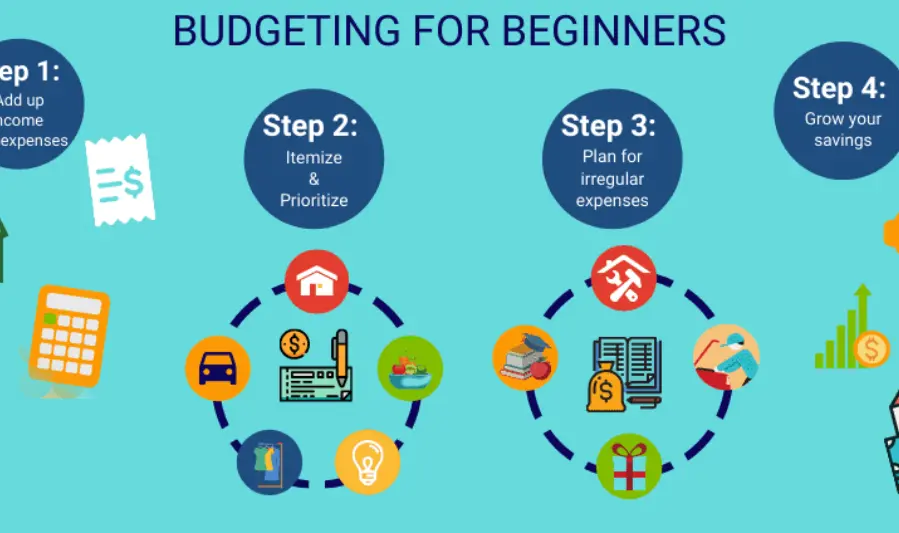
To get the most out of free budgeting tools, follow these practical strategies:
- Start with One Tool: Focus on learning a single app thoroughly before exploring others. This helps you understand its features and maximize its benefits.
- Set Realistic Budgets: Base your budgets on past spending patterns to ensure they are achievable and effective.
- Track Spending Regularly: Record expenses consistently to maintain accurate insights and avoid surprises at the end of the month.
- Use Goal-Setting Features: Take advantage of built-in tools for saving, debt repayment, or other financial targets to stay motivated and on track.
- Review Monthly Reports: Examine your monthly summaries to identify trends, adjust budgets, and refine your overall financial strategy.
Beginner Saving $200/Month Using Mint
A beginner user leveraged Mint’s comprehensive expense tracking and budgeting features to identify areas of overspending. By setting realistic budgets based on past spending patterns and using Mint’s bill reminders and credit score monitoring, they were able to save an additional $200 per month. Mint’s alerts for unusual spending and fee notifications further helped them stay on track.
Couples Managing Shared Expenses with Honeydue
Couples have found Honeydue invaluable for managing shared finances. The app allows partners to categorize expenses, set bill reminders, and communicate directly within the app, reducing misunderstandings about money. Features like customizable categories and in-app chats facilitate transparent financial discussions, helping couples align their spending and savings goals.
you may also like to read these posts:
Phát triển kỹ năng nghề thủ công
Mundo ng Bukas: Ang Papel ng Inobasyon sa Pag-unlad
Smart Budget Planning for Families: A Practical Guide to Financial Harmony
Using PocketGuard to Avoid Overspending During Holidays
During the holiday season, users have employed PocketGuard’s “In My Pocket” feature to prevent overspending. This feature shows how much money is available for discretionary spending after accounting for bills, goals, and debts. Additionally, PocketGuard’s rollover budget feature allows users to carry over unspent funds from one month to the next, providing flexibility for seasonal expenses like gifts and travel.
Faqs:
Are free budgeting tools safe to use?
Yes, most free budgeting tools use bank-level encryption to protect your financial data. Always check the app’s privacy policy and user reviews to ensure security.
Can I sync multiple bank accounts with these tools?
Yes, most tools like Mint, PocketGuard, and Personal Capital allow you to connect multiple accounts, including checking, savings, and credit cards, for a complete financial overview.
Are there limits in the free versions of these tools?
Some free tools may have limited features compared to premium versions, such as fewer budgeting categories or restricted reports. However, the free versions are usually sufficient for basic budgeting and expense tracking.
Can couples or families use these tools together?
es, apps like Goodbudget and Honeydue are designed for shared budgeting. They allow multiple users to track expenses, set joint budgets, and manage bills collectively.
Do I need to be tech-savvy to use these apps?
No, most free budgeting tools are user-friendly and beginner-friendly, with simple interfaces, tutorials, and customer support to help you get started.
Conclusion
Free budgeting tools online make managing your money simpler, smarter, and more effective. Whether you are a beginner just starting to track your expenses, a couple managing shared finances, or someone looking to save more, there is a tool that fits your needs.
By choosing the right tool, setting realistic budgets, and consistently monitoring your spending, you can take full control of your finances, avoid overspending, and achieve your financial goals. Start today — even small steps with the right free tools can lead to big financial improvements over time.